Game servers by the hour
7 Days to Die server hosting
7 Days to Die is a zombie survival game where you build, loot and hold out against a horde every seventh night. A private server keeps your base and your map between sessions, and your friends drop in whenever the next horde night is due.
Your 7 Days to Die server in five minutes
This is the whole of it. No files to edit, nothing to install on your own computer.
-
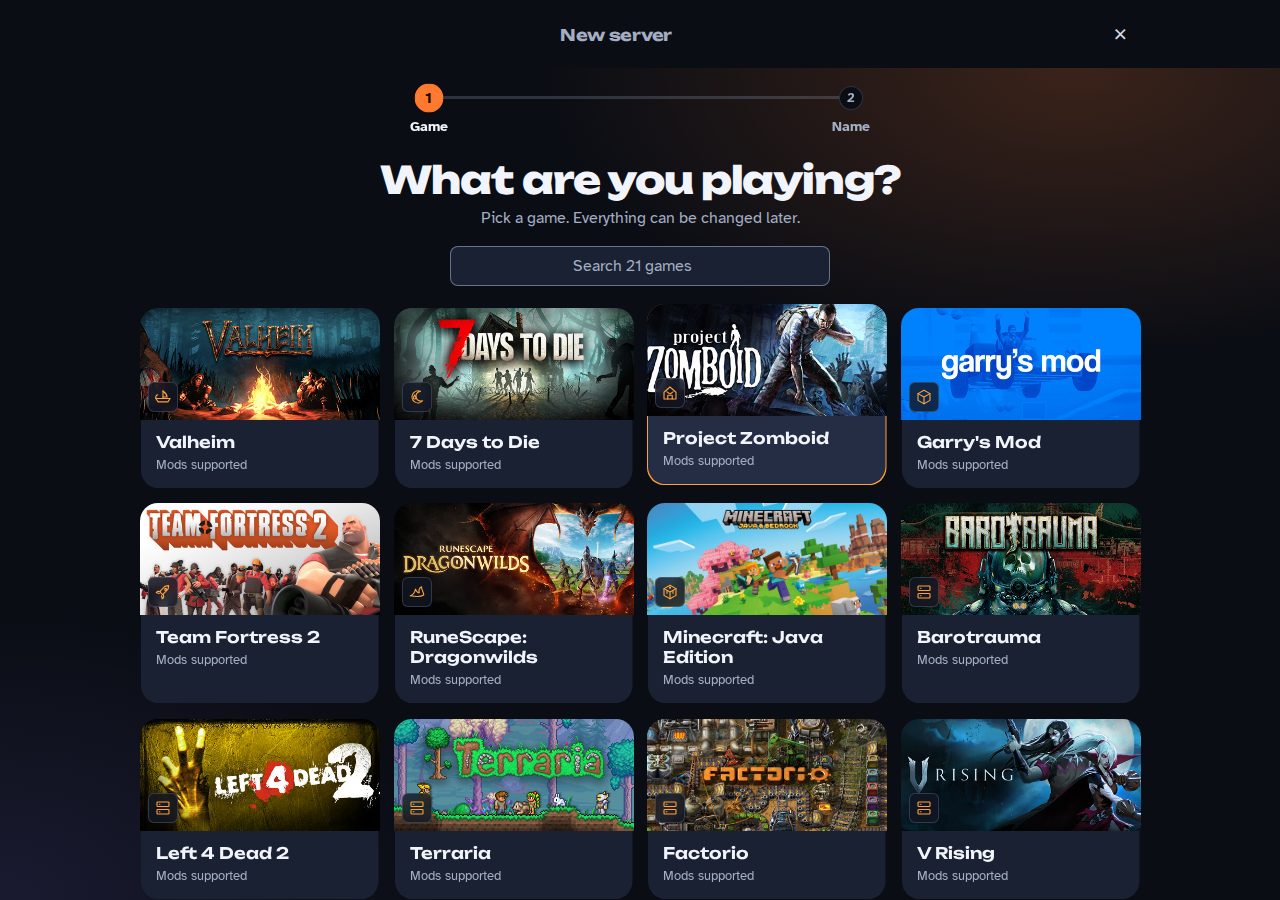
Pick 7 Days to Die
Press New server, find 7 Days to Die among the games, and you're on step two. Everything about it can be changed later.
-
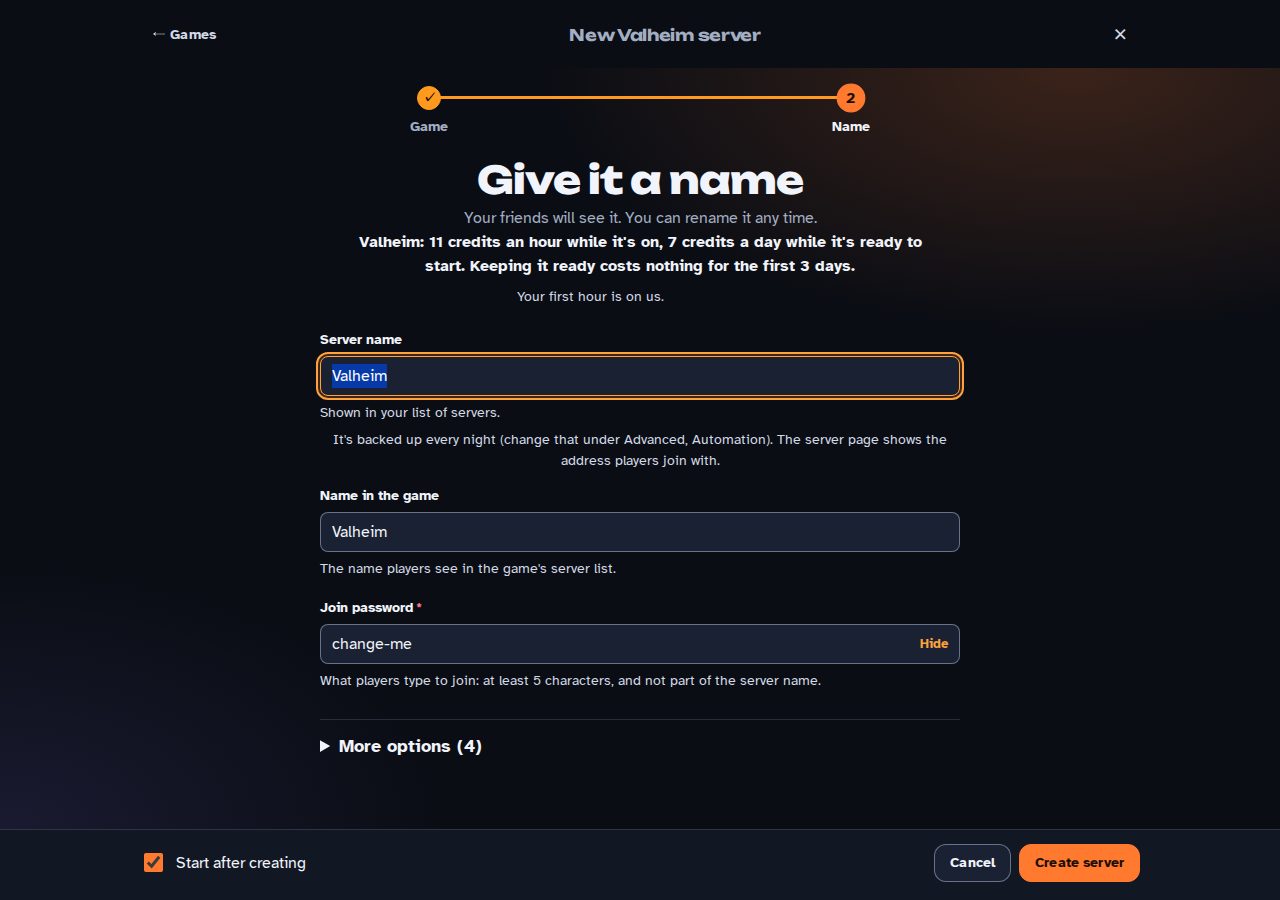
Give it a name
The name your friends will see, the name in the game and a join password. The page tells you what it costs before you press anything. Then Create server.
-
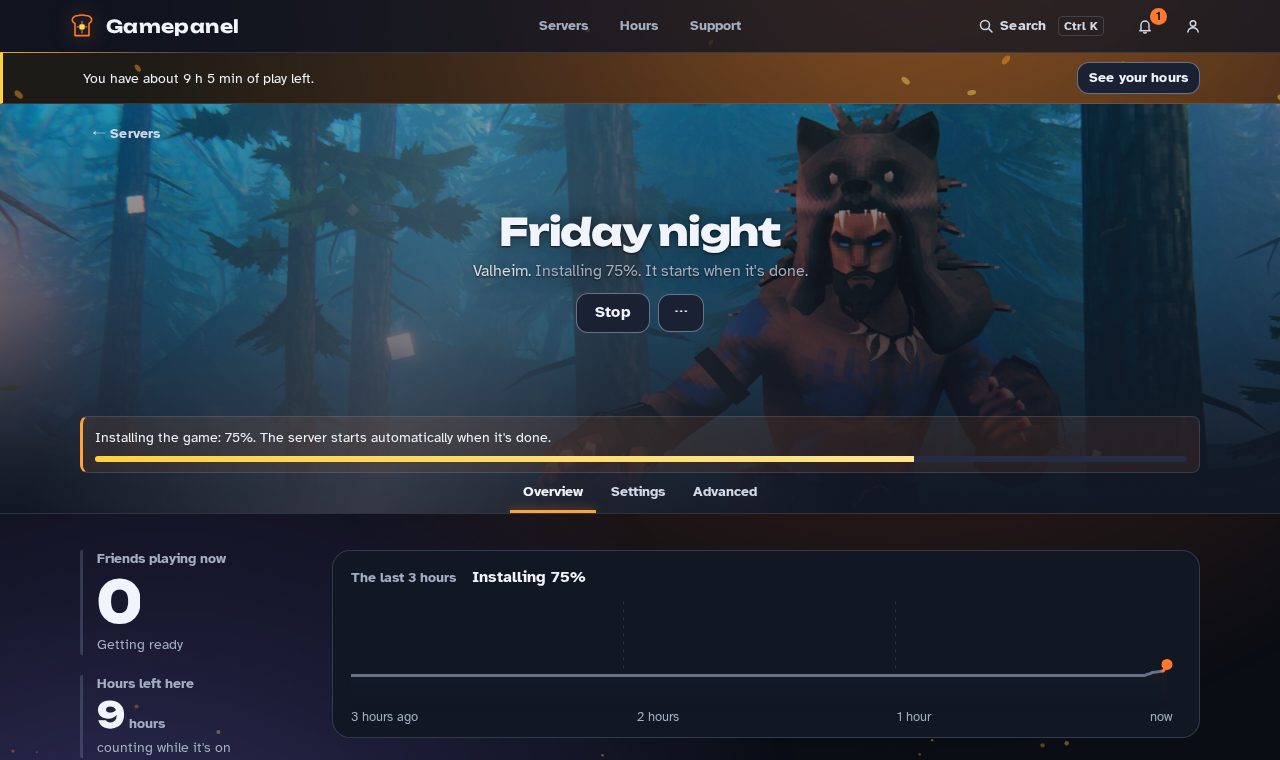
It installs itself
The server downloads 7 Days to Die and starts on its own: a few minutes the first time, seconds after that. You can watch it on the server's page, or come back when it's done.
-
Send your friends the address
The server page shows the address and the password, with a Copy button and a ready-made invite. In 7 Days to Die: Join a game > Connect to IP, then enter the address and port the address on the server page. Players need the join password, which is on the same page.
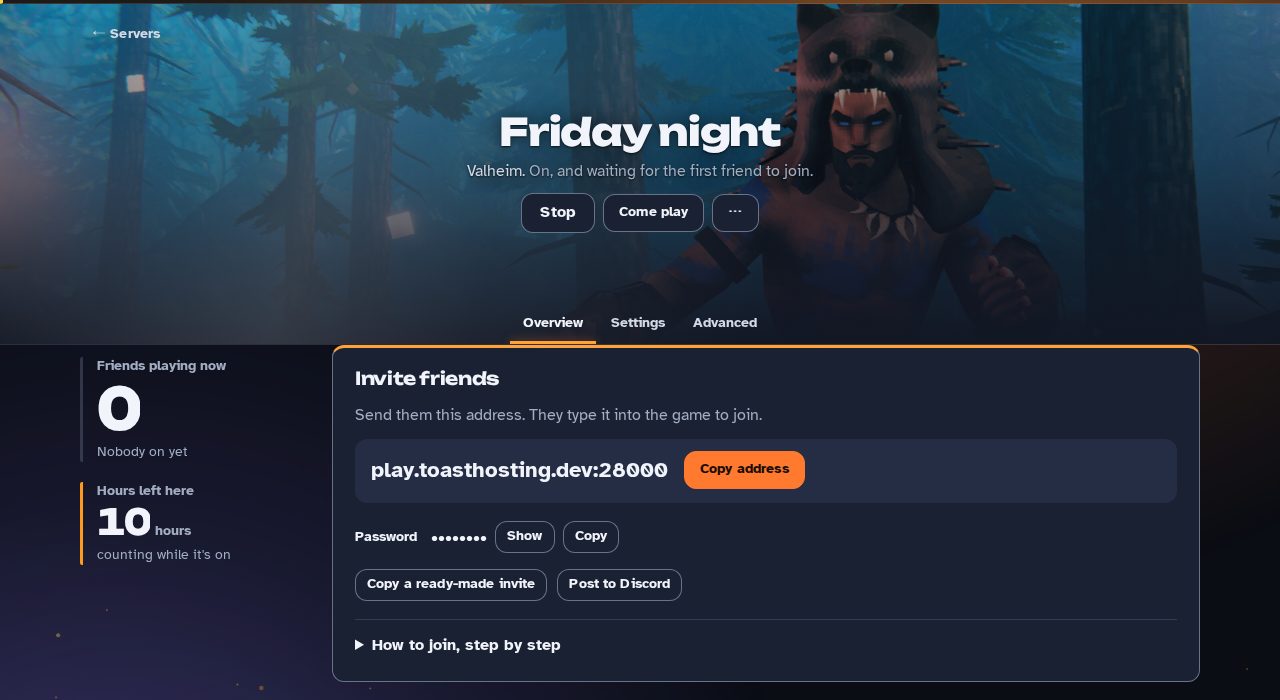
When everyone's gone, the server goes to sleep by itself and switches off a little later. This one wakes the moment a friend joins; nobody has to press Start.
What a weekend of 7 Days to Die costs
| A weekend of 7 Days to Die | Credits | About |
|---|---|---|
| Friday 3 hours, Saturday 4, Sunday 3 | 110 credits | $4.60 |
| 3 days kept ready in between | 9 credits | $0.39 |
| The weekend | 119 credits | $4.99 |
Ten hours of play and three days of the server standing ready. Play less, pay less; put it away afterwards and the days stop too. The first hour of a new account is free, so your first weekend is a little less.
The honest line: if your group plays every evening, a flat monthly server elsewhere is cheaper, and we'll tell you so. ToastHosting is for groups of 2 to 8 that play on Friday nights and Sunday afternoons, and for groups that play 7 Days to Die this weekend and something else the next: put it away, start another, pay for what you played. The first hour of a new account is free. The sums, by the hour or by the month →
Your world, your settings, your mods
Settings in plain words
89 of 7 Days to Die's settings, each explained in a sentence, on the server's Settings page: change one, save, and the server restarts with it. The files behind them are a click away if you want them.
Mods
Mod files you upload from the server's Mods page; they load with the server.
Your world is yours
Upload the world you already have and the server takes it over; download it any time as a single file, a save that's yours to keep. Putting the server away keeps the world; only the game's own files are re-downloaded when you start again.
Backups, without thinking about it
A backup every night and before every update. For three days after an update you can press Put it back and the world, the settings and the mods return the way they were.
Questions about 7 Days to Die here
How many people can play on a 7 Days to Die server here?
Groups of 2 to 8 are the usual size; the game's own limit applies. Every server gets 2 cores and 4 GB to itself, and you can switch more memory on if a big group needs it.
Do my friends need an account?
No. They join the game with the server's address, like any other server. An account is only for the person who runs it.
What happens when nobody is playing?
The server goes to sleep after a few minutes and switches off a little later, so you stop paying by the hour. Most games wake it when a friend joins. Off or asleep, your world stays exactly as it was.
Can I bring an existing world?
Yes: upload your save from the server's page and it takes over. You can download the world any time, too.
How do I get in?
Create an account on the sign-in page with your email address and confirm it from the mail you get. The first hour of a new account is free.
Other games
Abiotic FactorBarotraumaCore KeeperCounter-Strike: SourceDon't Starve TogetherEnshroudedFactorioGarry's Mod all games